
BGFlow
Self-contained flow analytics — NetFlow, IPFIX and sFlow in a single binary.
BETA Infrastructure & Ops
·
11 features
·
Rust · Columnar .bfs + ZSTD · Embedded SPA · REST API
overview
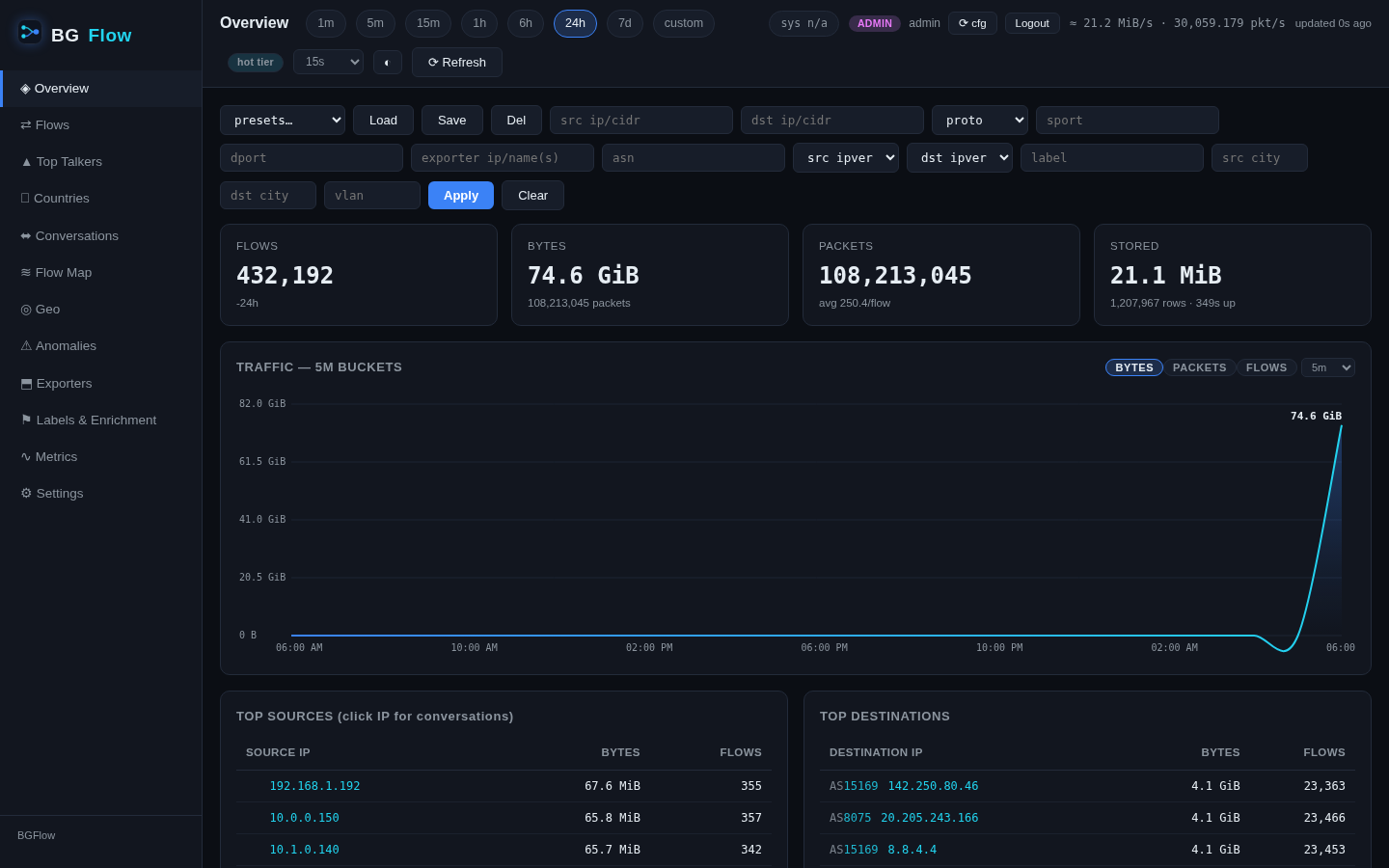
BGFlow is a flow analyzer inspired by Elastiflow and Akvorado, engineered leaner: one static binary, one data directory, no database server. Ingest, a custom columnar storage engine, a REST API and an embedded dark SPA UI all live in bgflowd.
It speaks NetFlow v5/v9, IPFIX (UDP and TCP stream) and sFlow v5 on a single port, keeps raw flows for recent queries plus in-memory rollups and an hourly coarse dataset for year-scale stats — and enriches everything with GeoIP, HTTP lookups (including irrd3.net) and bulk prefix tables.
features
- ▸Single static binary — ingest, storage, API and UI in one; no ClickHouse/DuckDB/external DB
- ▸Custom storage engine — time-partitioned columnar .bfs segments, dictionary/delta encoding + ZSTD
- ▸Two-tier analytics — 1-minute rollups for speed, hourly coarse dataset for year-scale queries
- ▸All major flow protocols — NetFlow v5/v9, IPFIX (UDP+TCP), sFlow v5, auto-detected per datagram
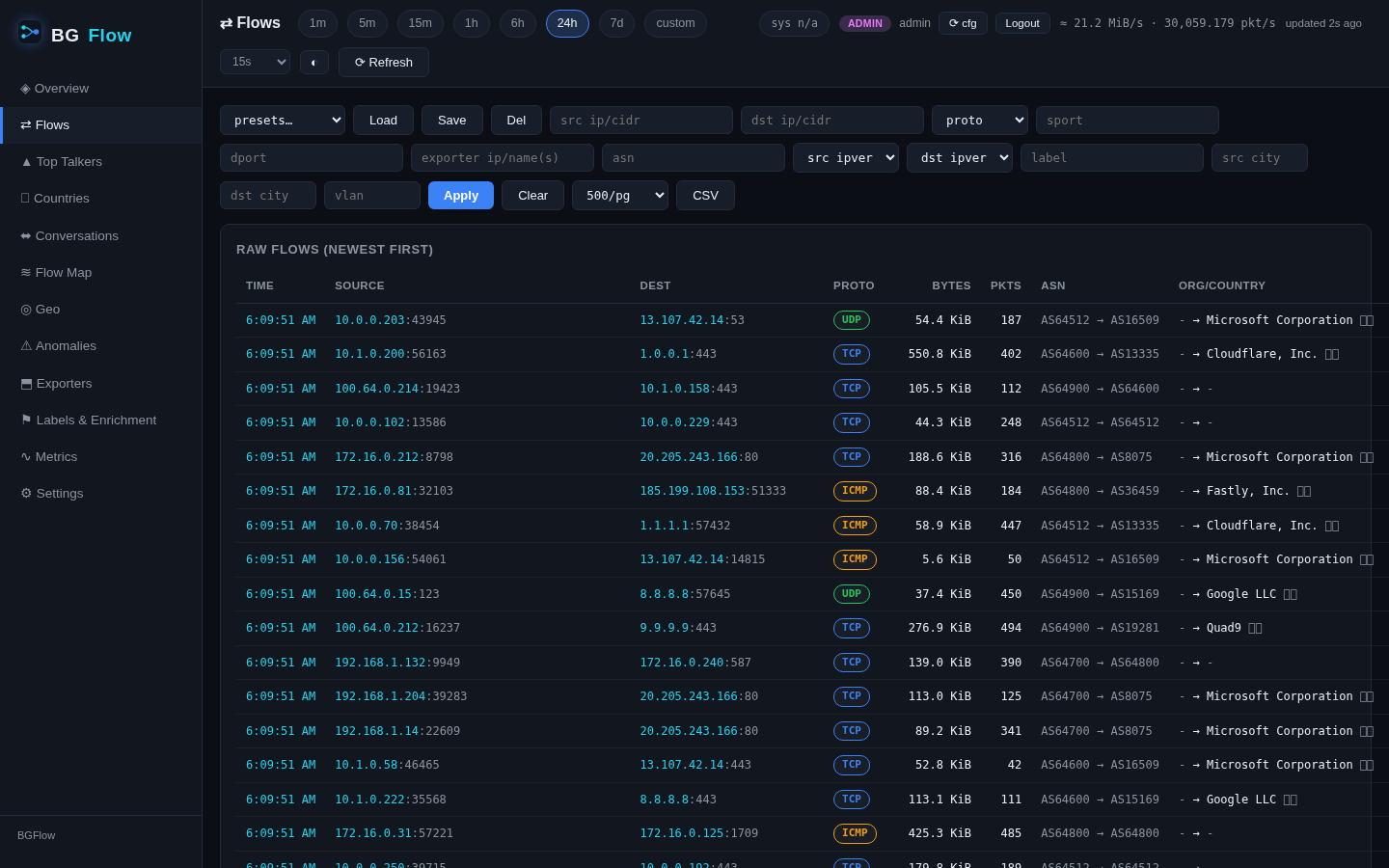
- ▸Rich metadata — TTL, flow-end reason, ICMP, post-NAT addrs, DSCP, TCP state, sampler, observation domain
- ▸Enrichment — MaxMind MMDB, pluggable HTTP backends (JSON-mapped, authed, prefix-cached), bulk table enrichers
- ▸Label rules — TOML rules tag flows by ASN/port/prefix/org; hot-reload via SIGHUP
- ▸Exporter management — friendly names, per-exporter interface/VLAN naming, admission control for unknown senders
- ▸NetFlow/IPFIX export — re-emit stored flows to downstream collectors
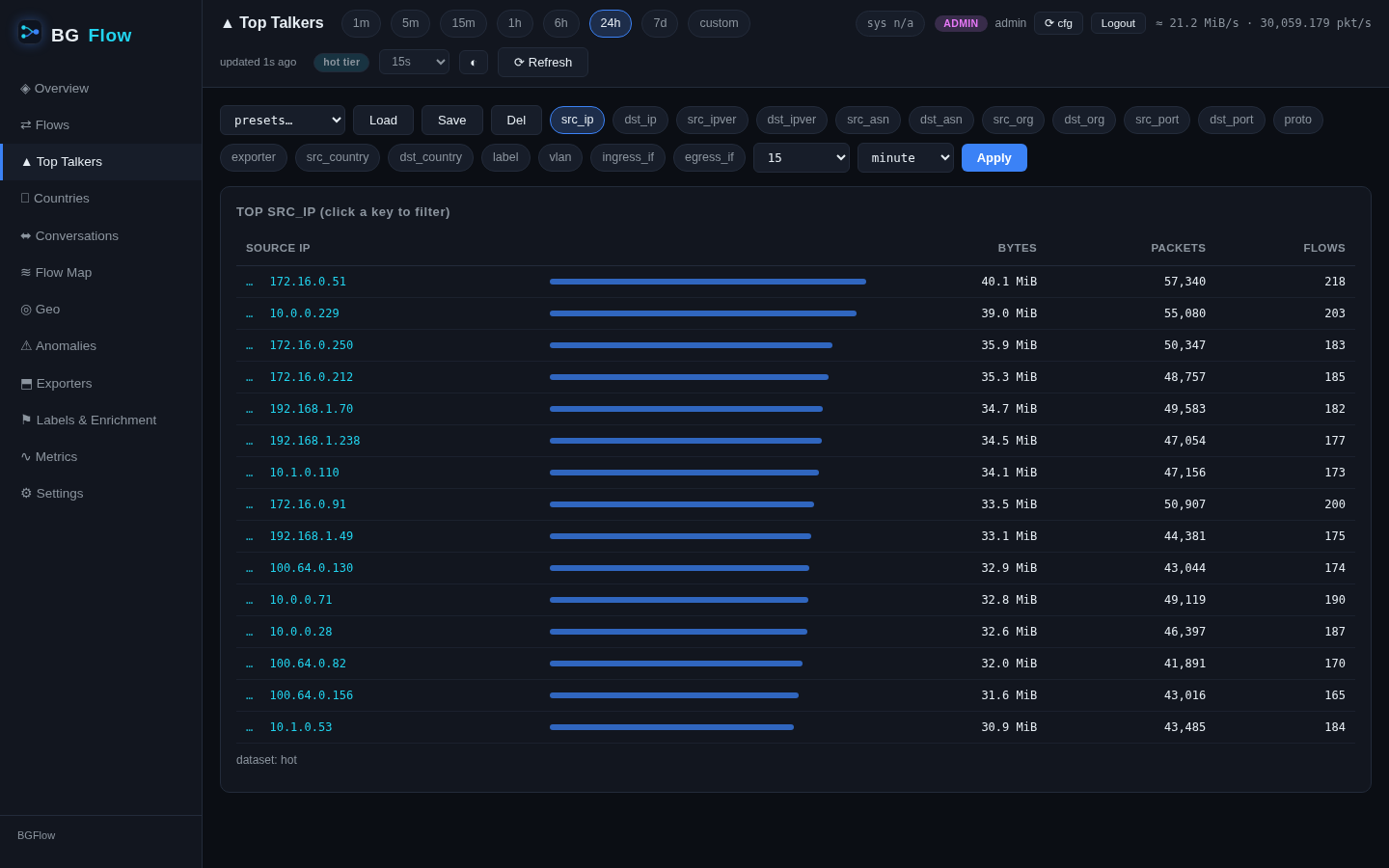
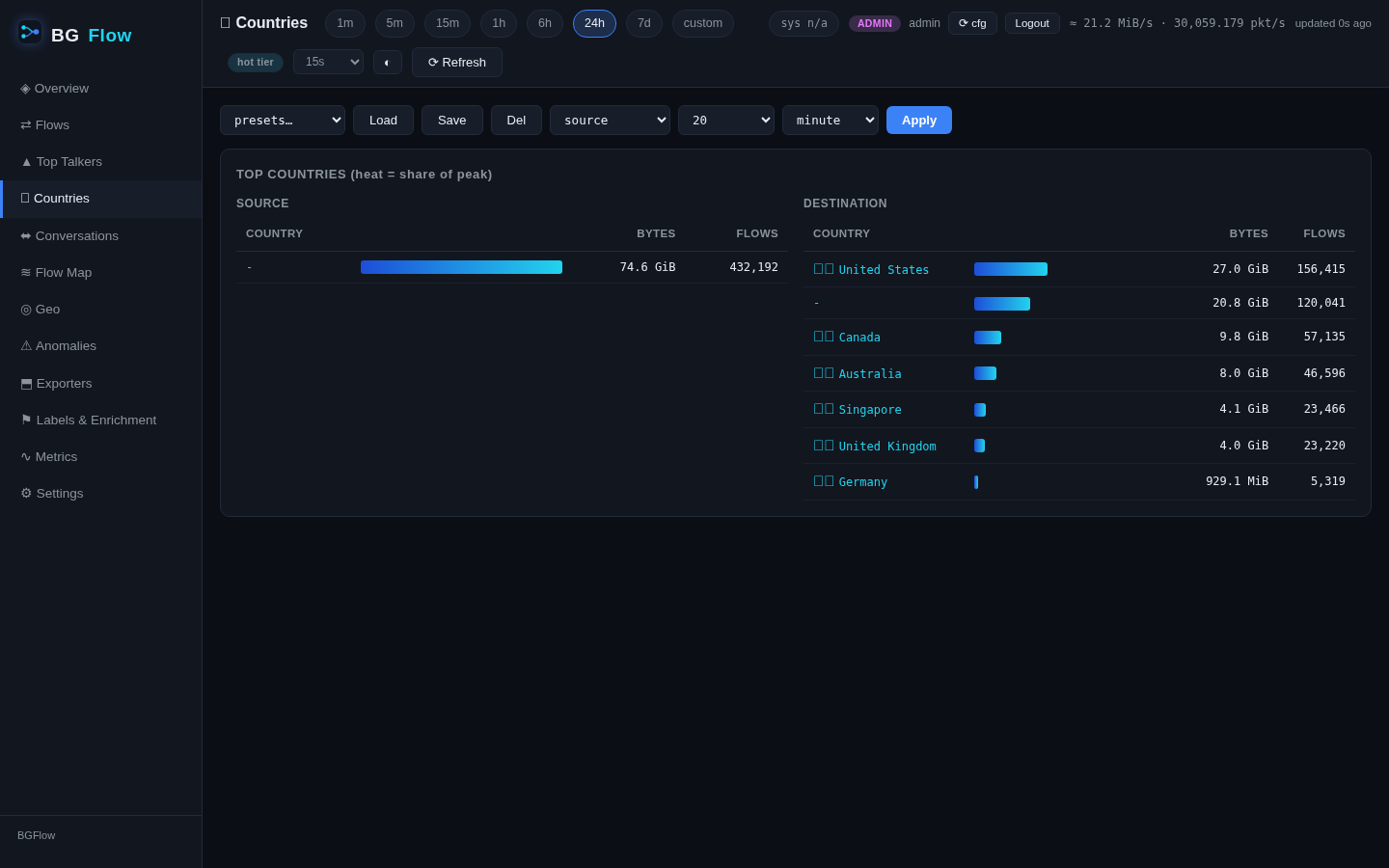
- ▸Analytics — top-N over 15 dimensions, per-label stats, z-score anomalies, country heat, CSV, OpenAPI spec
- ▸Observability — Prometheus /metrics, threshold alerts with webhooks, multi-user auth (admin/viewer)
screenshots
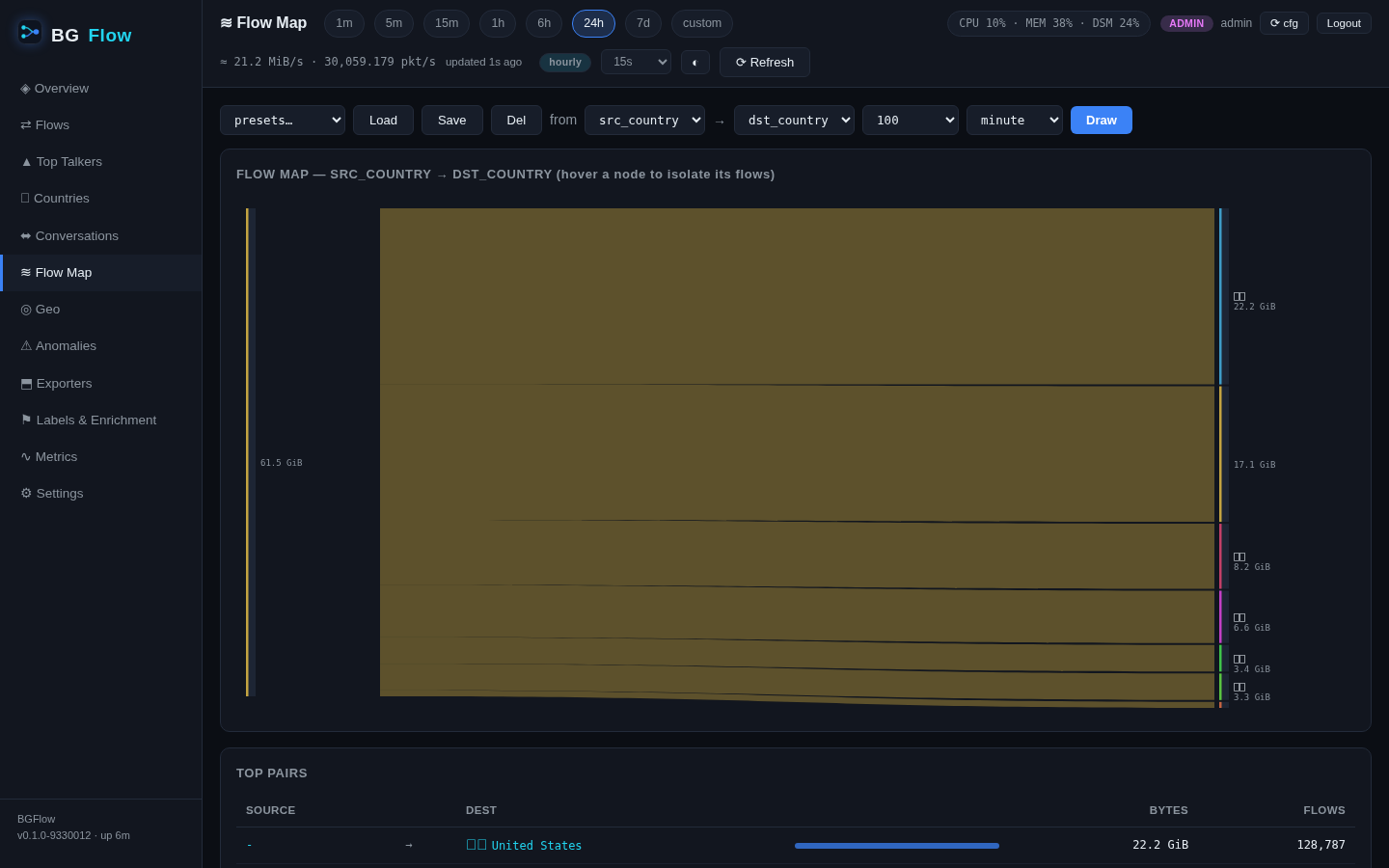
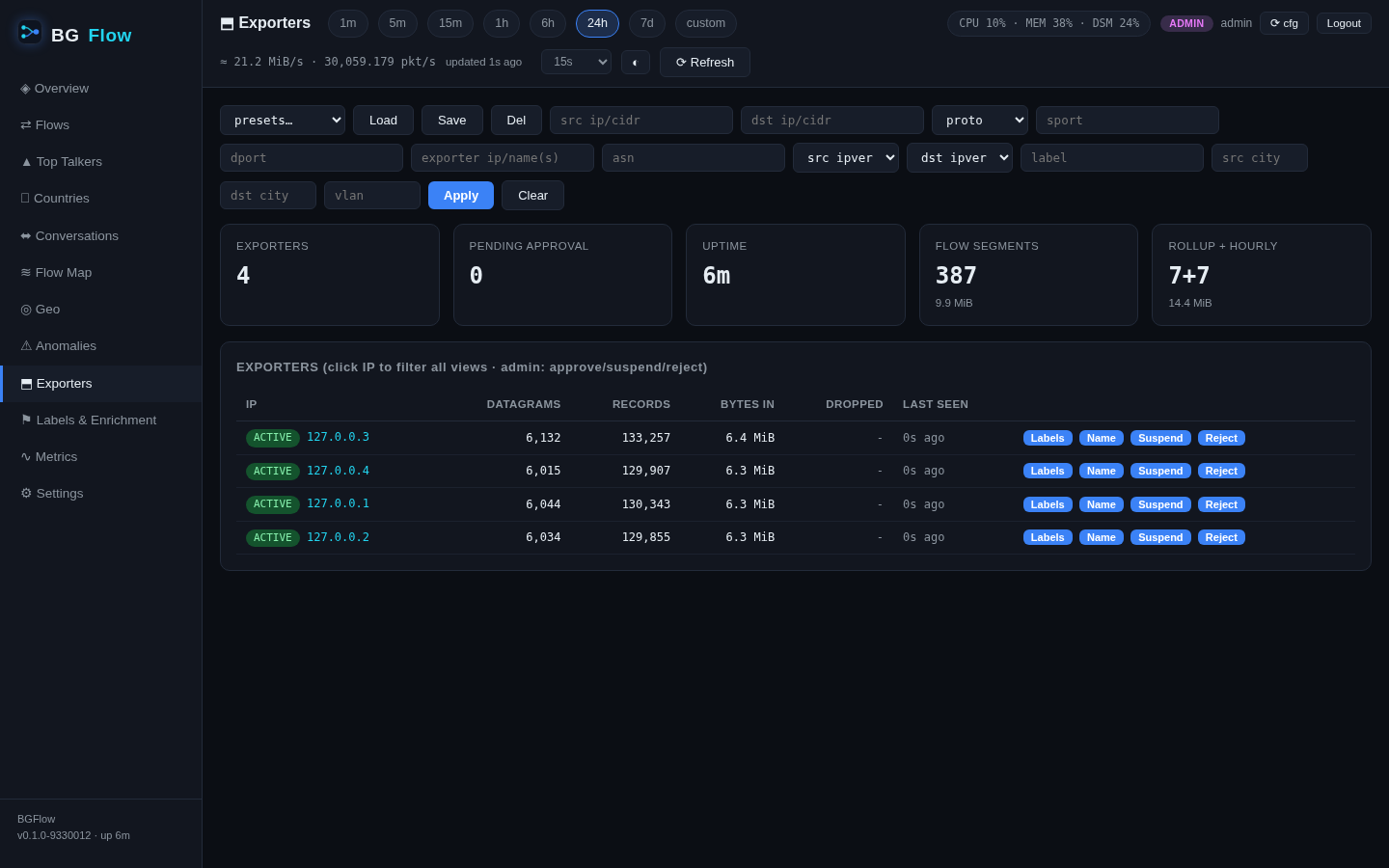
documentation 2 pages
stack
Rust
Columnar .bfs + ZSTD
Embedded SPA
REST API
Prometheus
get started
$ curl -fsSL https://raw.githubusercontent.com/XodoTechnology/BGFlow/main/install.sh | sudo bash
$ sudo bgflowd --demo 127.0.0.1:2055   # synthetic traffic → try the UI
▊